

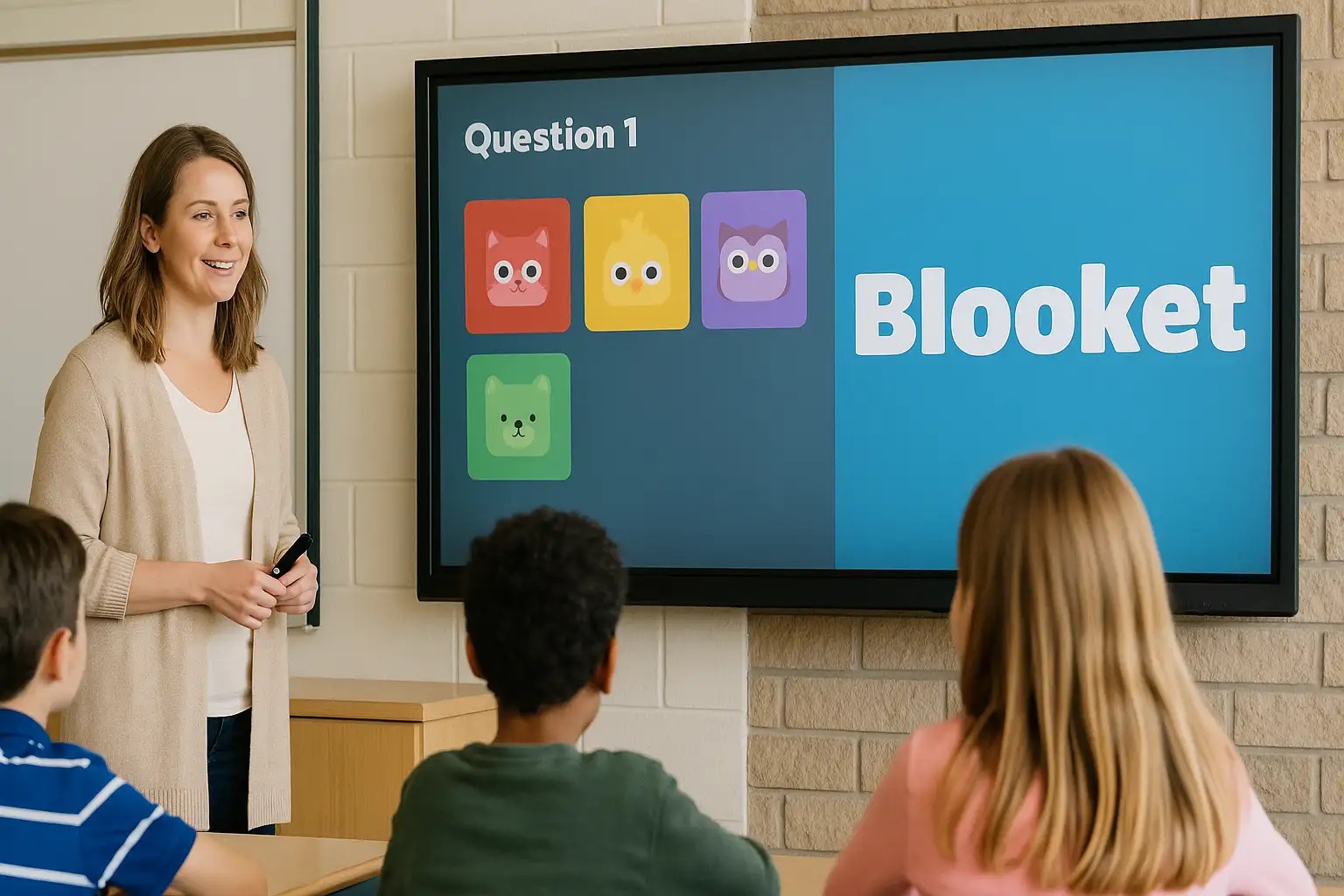
Blooket host refers to the person who creates, launches, and manages a live game session on the Blooket platform. In simple terms, a host controls the questions, game mode, timing, and player access while others join using a game code. If you are a teacher, trainer, or group leader, hosting is the core feature that lets you turn quizzes into interactive learning games.
Being a host is not just about starting a game. It involves setting rules, choosing formats, monitoring progress, and keeping participants engaged from start to finish. Understanding how hosting works helps you avoid technical issues and run smoother sessions.
Many users search for this term because they want a clear, step-by-step explanation rather than scattered tips. This guide gives you a complete, practical understanding of hosting, from setup to advanced controls.
Whether you are hosting for a classroom, online session, or casual learning group, the fundamentals remain the same, and mastering them will improve participation and learning outcomes.
What Does a Blooket Host Do?
A host is the game controller. When you host a game, you decide how the session runs and how players interact with it.
Key responsibilities include:
-
Selecting or creating a question set
-
Choosing a game mode
-
Generating and sharing the join code
-
Starting and ending the game
-
Monitoring player progress in real time
Unlike players, hosts have access to the dashboard that shows scores, answers, and participation levels.
The platform itself, Blooket, is designed so hosting remains simple even for beginners, while still offering flexibility for experienced users.
How to Become a blooket host
Becoming a host is straightforward and does not require technical expertise.
Step-by-step process
-
Create or log in to your account
-
Choose a question set from your library or search results
-
Click the “Host” option
-
Select a game mode
-
Adjust game settings (time limits, random names, etc.)
-
Launch the game and share the join code
Once the code is shared, participants can join from any device with a browser.
Host Settings You Should Understand
Hosting becomes more effective when you understand the available settings. These options help tailor the experience to your audience.
Common hosting options
-
Time limits: Control how long players have to answer
-
Randomized names: Prevent inappropriate usernames
-
Late joining: Allow or block players after the game starts
-
Question shuffling: Reduce answer copying
Adjusting these settings before launching the game can prevent interruptions later.
Game Modes and Their Impact on Hosting
Different game modes change how hosting feels and functions. Some modes are competitive, while others focus on individual progress.
Popular modes hosts use
-
Gold Quest – fast-paced and competitive
-
Tower Defense – strategy-based and longer sessions
-
Classic – straightforward quiz format
-
Café – resource management with questions
As a host, choosing the right mode depends on your time limit and learning goal.
Hosting Live vs Homework Games
Hosting is not limited to live sessions. You can also assign games for independent play.
Live hosting
-
Real-time interaction
-
Best for classrooms and virtual meetings
-
Requires active monitoring
Homework mode
-
No live control required
-
Players complete at their own pace
-
Results are saved for later review
Understanding this difference helps you choose the best format for your situation.
Table: Host Features at a Glance
| Feature | Live Game | Homework Game |
|---|---|---|
| Real-time control | Yes | No |
| Join code required | Yes | Link-based |
| Host monitoring | Continuous | After completion |
| Ideal for | Classes & meetings | Assignments & practice |
Common Problems Faced by Hosts (and Fixes)
Even experienced hosts run into issues. Knowing common problems helps you resolve them quickly.
Typical issues
-
Players can’t join: Check code and internet connection
-
Game won’t start: Ensure minimum player requirement is met
-
Lag during play: Reduce background apps and tabs
-
Name issues: Enable random names before starting
Preparation is the key to avoiding most hosting problems.
Tips to Be a Better Host
Great hosting is about engagement, not just control.
Helpful tips:
-
Test the game once before hosting it live
-
Explain rules clearly before starting
-
Choose shorter modes for younger players
-
Pause between rounds to discuss answers
These small steps make sessions smoother and more educational.
Hosting for Different Use Cases
Hosting styles change based on the audience.
Classroom hosting
-
Focus on learning outcomes
-
Use discussion after questions
-
Monitor participation evenly
Online or remote hosting
-
Allow extra time for joining
-
Share code verbally and in chat
-
Keep instructions simple
Casual or club hosting
-
Emphasize fun modes
-
Allow friendly competition
-
Use shorter sessions
Safety and Control as a Host
Hosts are responsible for maintaining a safe environment.
Important safety tools include:
-
Random name generator
-
Removing disruptive players
-
Ending games instantly if needed
Using these tools ensures respectful and focused gameplay.
FAQs About Hosting
Can anyone host a game?
Yes, anyone with an account can host games, including free users.
Do hosts need special software?
No, hosting works entirely in a web browser.
Can a host join the game as a player?
Yes, hosts can join from another device if they want to participate.
Is hosting limited by device type?
No, you can host from a laptop, tablet, or desktop.
Can hosting be done without students present?
Yes, homework mode allows hosting without live participants.
Does hosting save results?
Yes, results are saved and can be reviewed later.
Conclusion
Being a blooket host means more than starting a quiz; it means guiding an interactive experience that blends learning and fun. When you understand settings, game modes, and hosting tools, you gain full control over how sessions run and how players engage. Whether you host live or assign games for later, mastering hosting helps you create smoother, more effective sessions. If your goal is better participation and clearer results, learning how to be an effective blooket host is the most important first step.
